
FanzizFanziz
HomeFinanceCricketSoccerEntertainmentEsports
Menu
HomeFinanceCricketSoccerEntertainmentEsportsWWETennisHealth

Language

AllQuick ReadsFanzShotsVideos

How to Obliterate Motion Blur in Crimson Desert Like a Champ
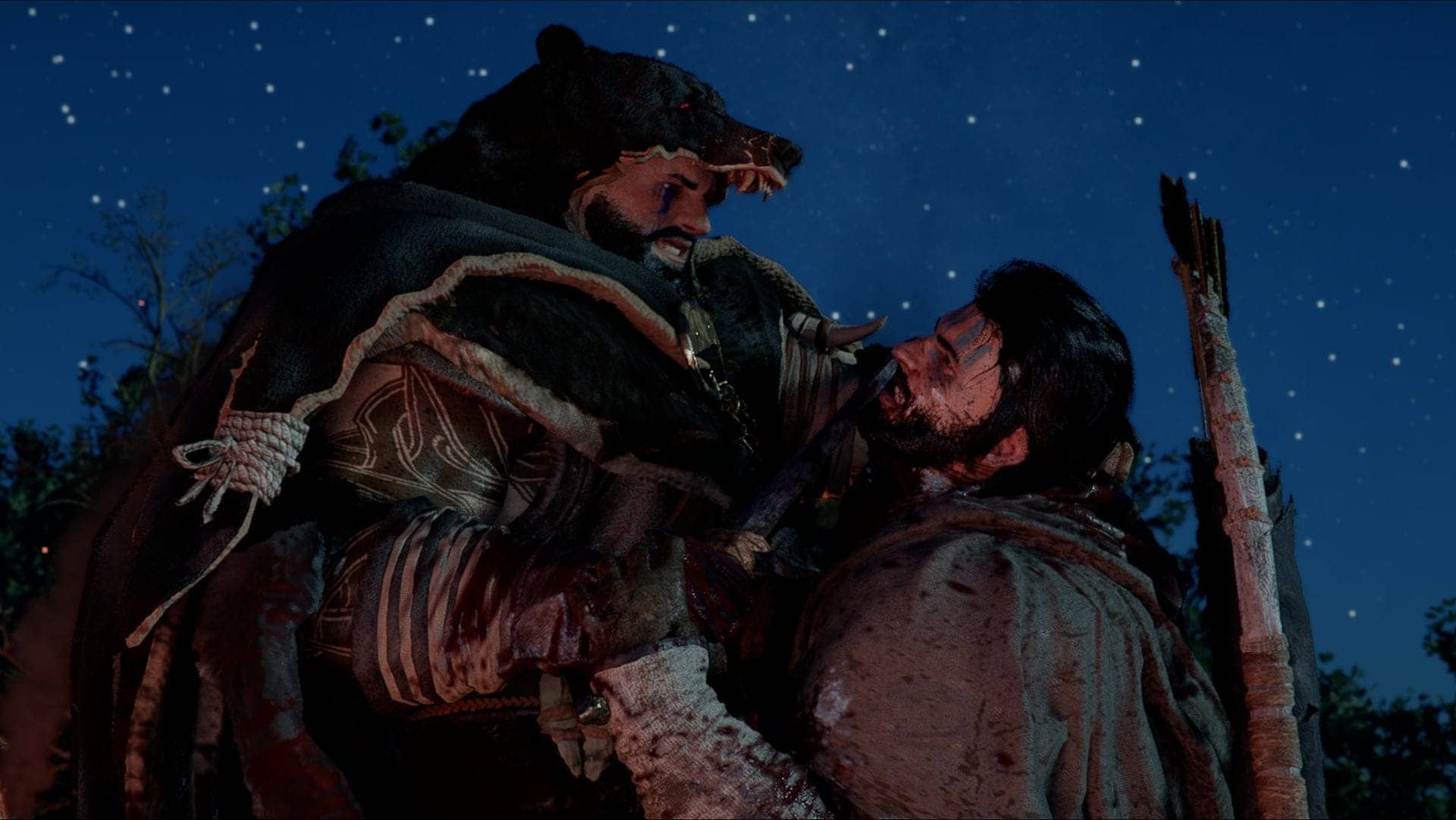
How to Obliterate Motion Blur in Crimson Desert Like a Champ

Hey, gamers! Want to obliterate that pesky motion blur in Crimson Desert? The Rock’s got the playbook! Just launch the game, dive into Settings, and crank that Blur Intensity slider down to zero. Just like that, you’re seeing the game crystal clear, ready to dominate! Now go out there and own your adventure like the champion you are!
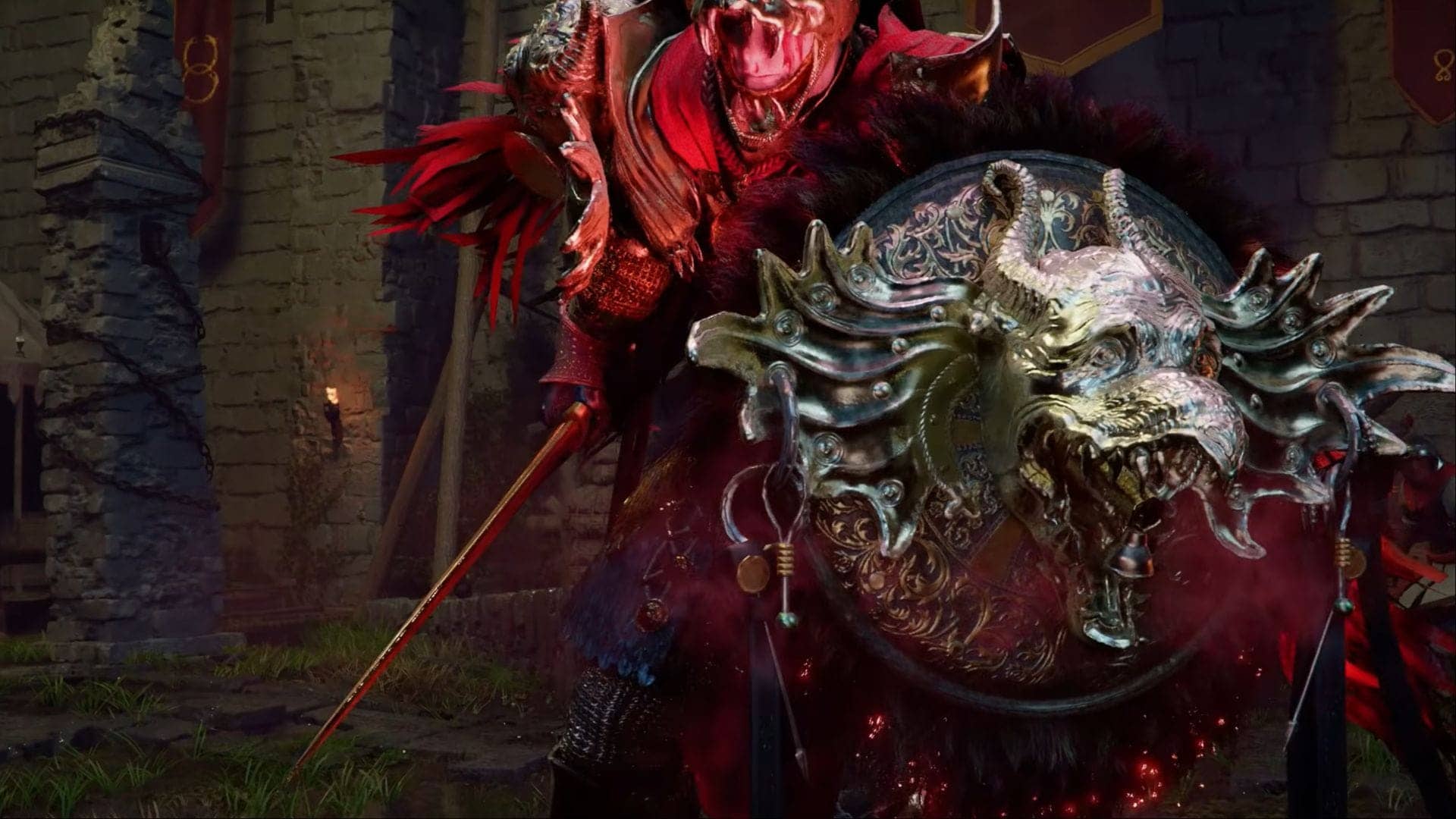
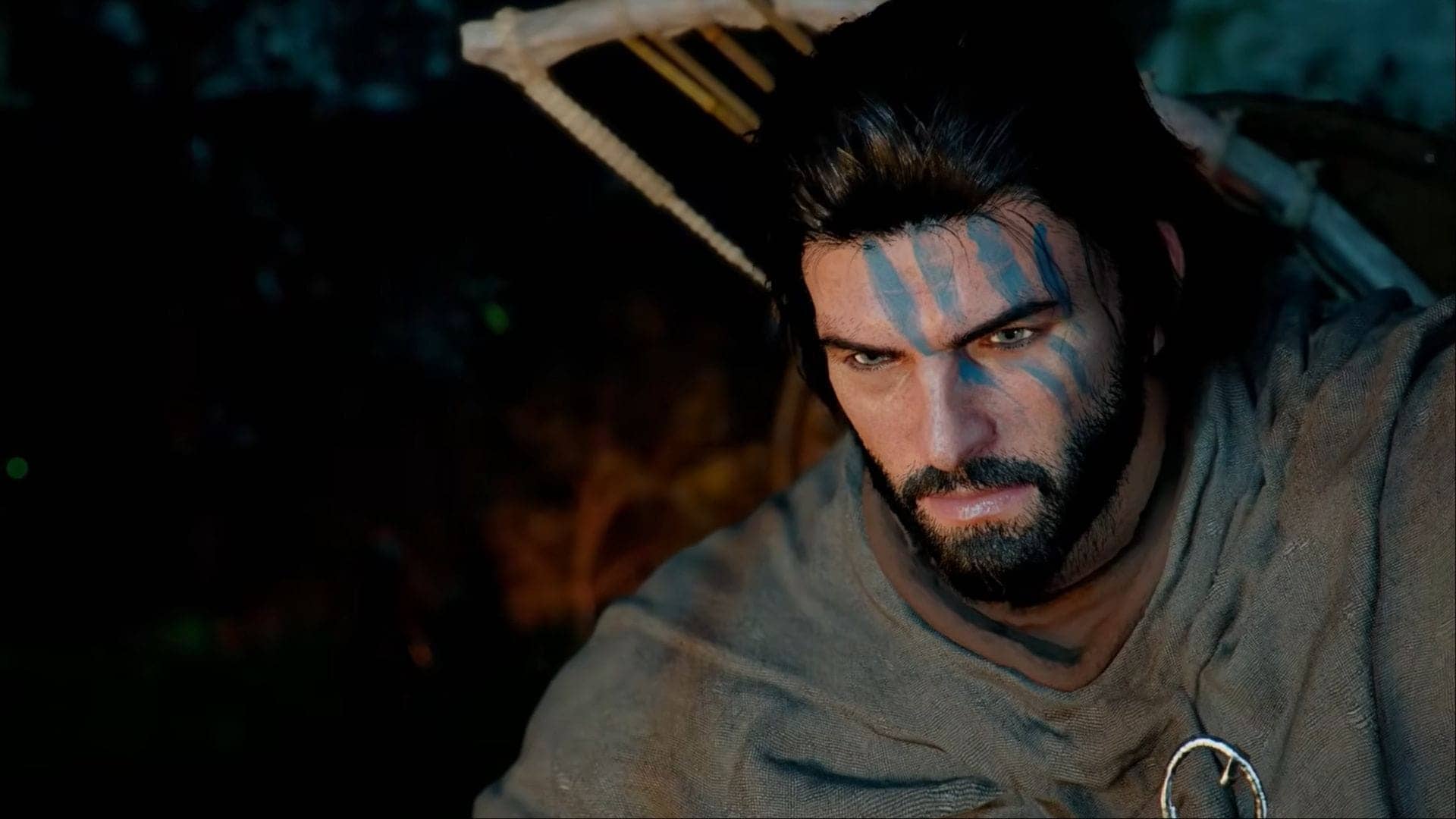
Quick rundown

  1. Crimson Desert offers extensive settings customization.
  2. Motion blur lacks a simple toggle; use a slider instead.
  3. Adjust blur intensity from 0 to 100 for personal preference.
  4. Motion blur can enhance realism but may hinder gameplay.
  5. Experiment to find your ideal visual setting in Crimson Desert.

Related articles

  • Unleash Your Inner Champion with Crimson Desert Tips!Unleash Your Inner Champion with Crimson Desert Tips!
  • Crimson Desert: Babu Bhaiya Ki Tarah Ghoom Lo, Samjha Kya?Crimson Desert: Babu Bhaiya Ki Tarah Ghoom Lo, Samjha Kya?
  • Crimson Desert: No Difficulty Modes, Just Pure Challenge Ahead!Crimson Desert: No Difficulty Modes, Just Pure Challenge Ahead!
  • Crimson Desert's Bug Hill: A Blighttown Catastrophe Ahead!Crimson Desert's Bug Hill: A Blighttown Catastrophe Ahead!
  • Conquering Light Reflection Puzzles in Crimson Desert Like a ProConquering Light Reflection Puzzles in Crimson Desert Like a Pro

Series

  • Indian Premier League
  • Pakistan Super League
  • Women's Under-19 Tri-Series in Australia
  • County Championship Division Two